[email protected]
Kayra and James answer every email themselves. Say which iPhone you have and what you tapped; a screenshot helps.
Common answers
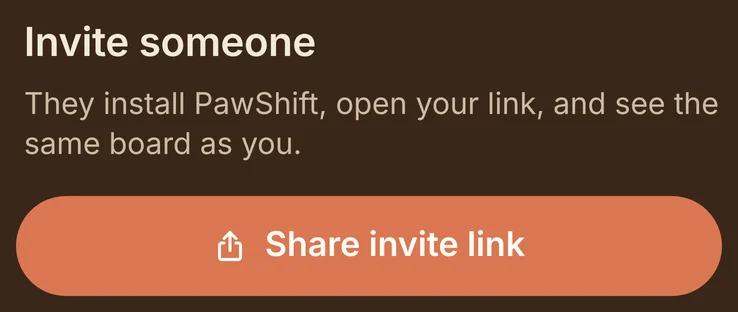
How do I invite someone?
In the Household tab, under Invite someone, tap Share invite link and send it however you like. A link works for seven days. How many people fit depends on the plan: Free is just you, Duo two, Family four, Family+ eight.
What does the other person get?
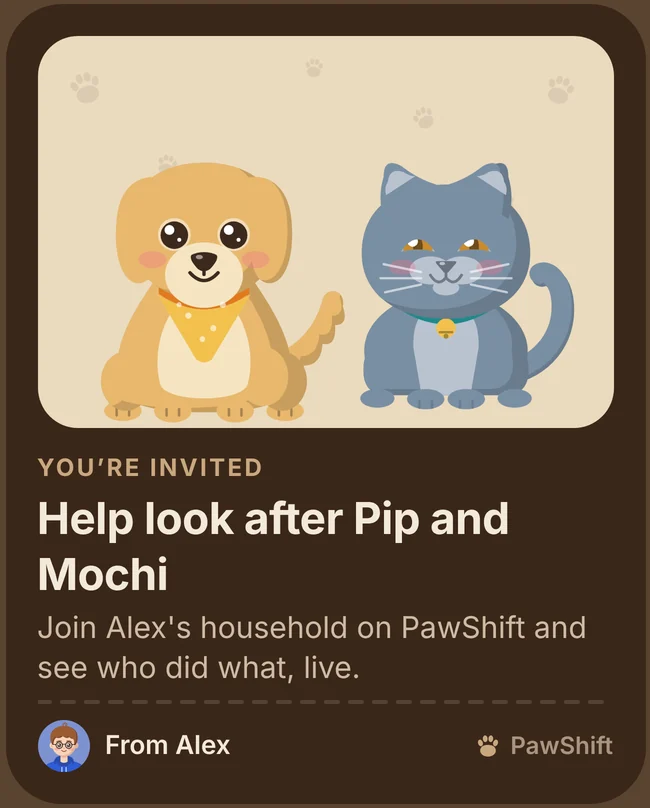
A picture of your pets with the link: “Help look after Pip and Mochi. Join Alex’s household on PawShift and see who did what, live.” They install PawShift, open the link and join with their own account.
My sign-in email hasn’t arrived.
PawShift signs you in with a link instead of a password. Give it a minute, check your spam folder, and open the link on the iPhone where PawShift is installed. Each link works once; ask for a new one from the sign-in screen if it has run out.
How do the kids join?
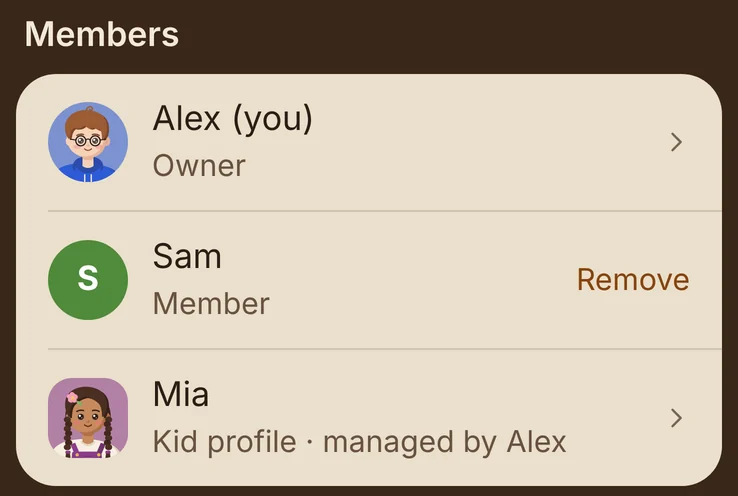
They don’t need an account or a phone. In the Household tab, tap Add a kid profile; chores can then be given to the kid, who marks them done on a family phone. Kid profiles count toward the plan like anyone else.
How do I change or cancel a plan?
Plans are subscriptions through Apple, and only the person who set up the household pays. To cancel, open your iPhone’s Settings, tap your name, then Subscriptions, and choose PawShift. The plan stays until the end of the period you paid for.
I have a new iPhone. Where is my plan?
Install PawShift, sign in with the same account and your household is there. If the plan doesn’t show, open the plans screen and tap Restore purchases.
Reminders don’t arrive.
In PawShift, open Settings (the gear on the Household tab) and check that Chore reminders is on. Then, in your iPhone’s Settings, tap Notifications, then PawShift, and turn on Allow Notifications.
How do I delete my account?
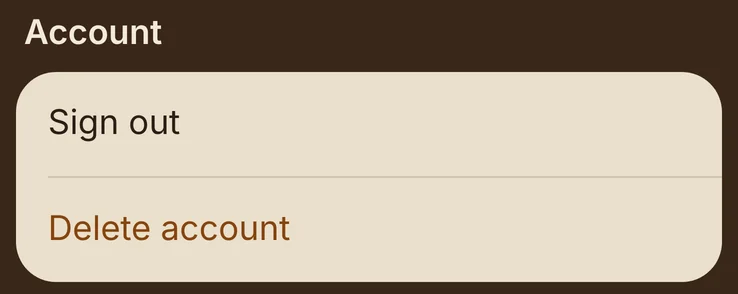
In PawShift, open Settings and tap Delete account. Your sign-in and your member profile are deleted at once. Chores you did stay in the household’s history as done by “a former member”; if you were the last grown-up, the whole household is deleted.
Is there an Android app?
Not yet. PawShift is for iPhone first; Android is planned.