
Free
$0, just you
- Every pet and every chore
- The live board and history
- The classic dog and cat
One shared board for the pets' chores. Everyone sees who fed, walked and scooped, and when. For iPhone.
Get PawShift
One cup at 8:00 AM, on everyone's board. Feed Pip as Sam, then switch to Mia and try again. This is the question PawShift asks.
Nobody has fed Pip yet today.
Already fed?
Sam fed Pip 1 cup just now. Feed again?
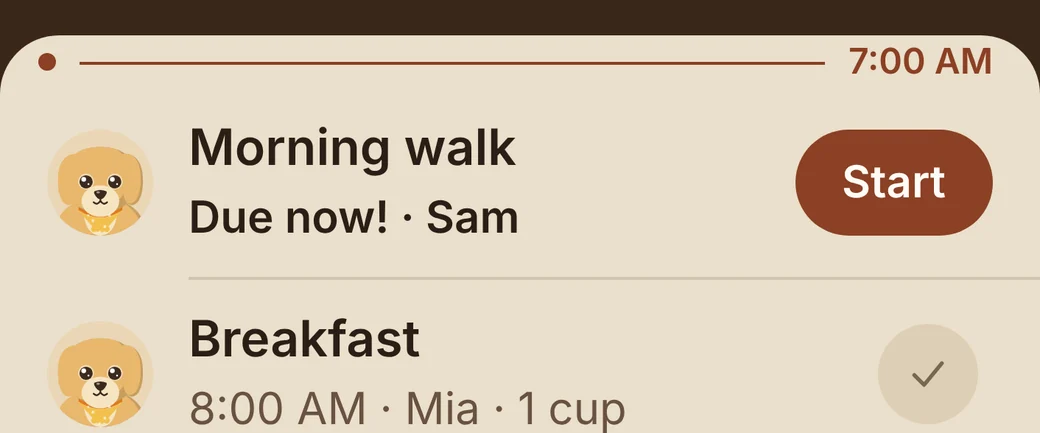
First it lands on the board.
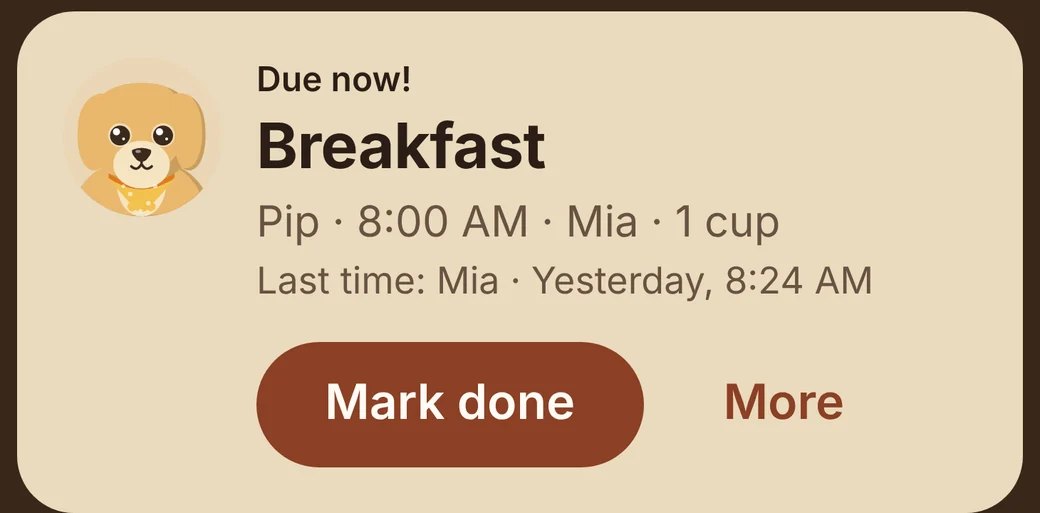
Then it's Mia's turn.
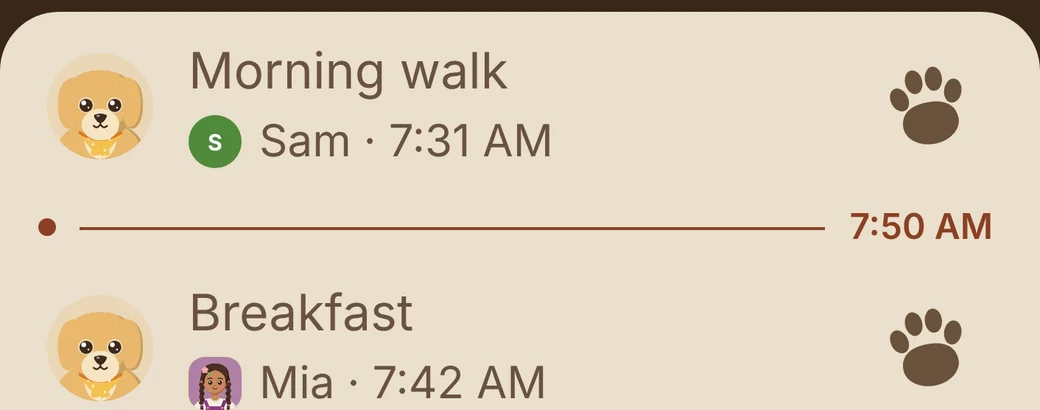
At 7:42, Mia taps done.
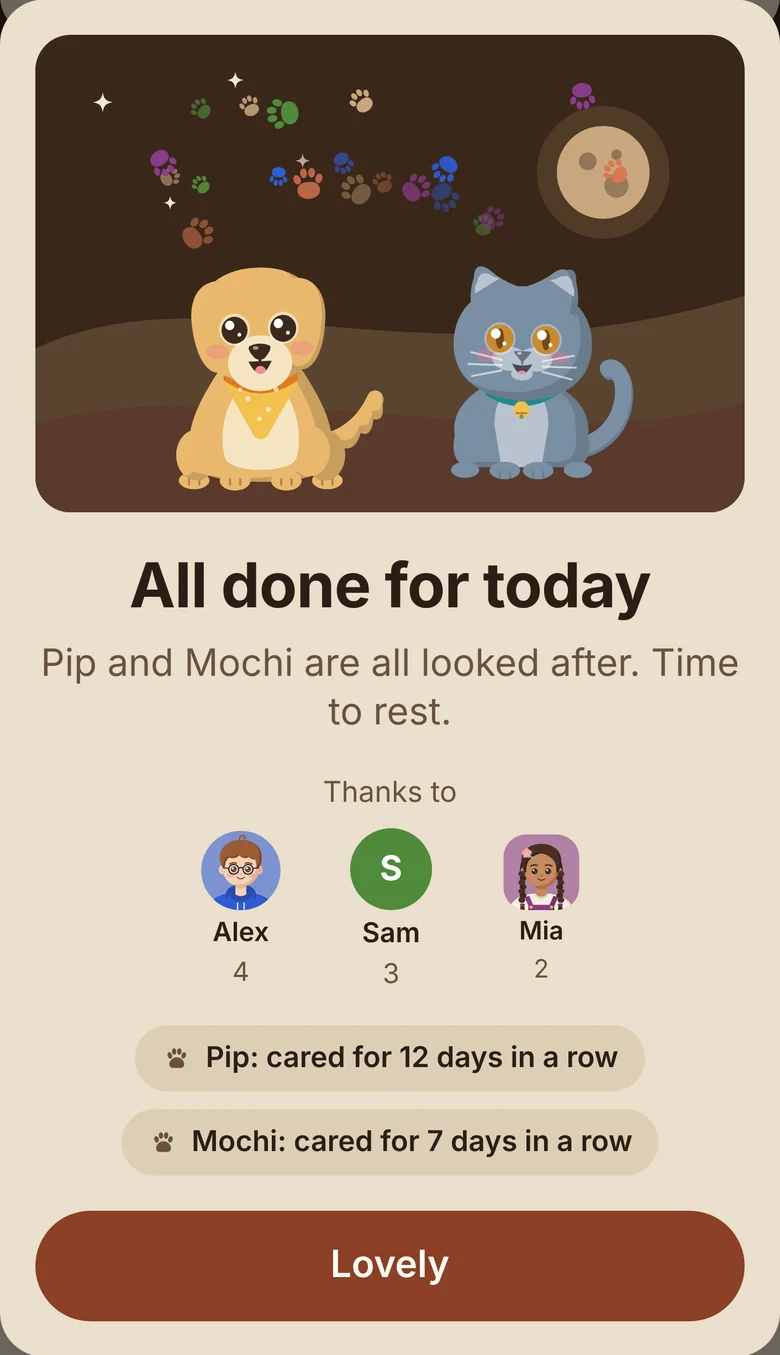
By night, all done.
Ask before anyone feeds Pip twice.
"Already fed? Mia fed Pip 1 cup 12 min ago." One question, and no second breakfast. The same goes for a second dose of medicine.
Show who did what while you were out.
Back after four hours or more: "While you were away, Sam and Mia did 5 chores."
Let the kids help without an account.
A grown-up adds them as profiles, up to the plan's seats. PawShift collects nothing from children.
Keep the vet's number one tap away.
Each pet has a card with the vet, the clinic, the chip number, the birthday and any allergies.
Say thank you every Sunday.
Pip's card names everyone who helped: "Thank you, Sam! You fed me 21 times this week."
Yes, for one person: every pet and every chore, the live board, the history and streaks, and the classic dog and cat. To share the board with others, the person who set up the household picks a plan.
Only the person who set it up. One plan covers everyone in the household, kids included, and everyone else joins free on their own phone.
No. A grown-up adds them as profiles, and they mark their chores done on a family phone. Kids never have accounts, and PawShift collects nothing from them.
Every phone shows the same board, live. If Pip was fed a little while ago, PawShift asks before a second meal, and before a second dose of medicine.
Dogs, cats, birds and fish, as many as you have. Each one is drawn in the app and reacts when its chores are done.
Not yet. PawShift is for iPhone first; Android is planned.
It's kept for your household and nothing else: no ads, no tracking, never sold. You can delete your account in Settings at any time. The privacy policy has the details.
$0, just you
$3.99 a month, 2 people
$4.99 a month, up to 4
$8.99 a month, up to 8
One plan covers the whole household, and only the person who set it up pays. Yearly: $26.99, $33.99 or $59.99. Prices in US dollars; the App Store shows yours.
Name your first pet, add its chores and invite the household: three short steps in the app.